
Plan. Brief. Execute.
The tactical planning platform built for
Arma Reforger MilSim communities.
Everything You Need
From first briefing to final AAR, plan every detail.
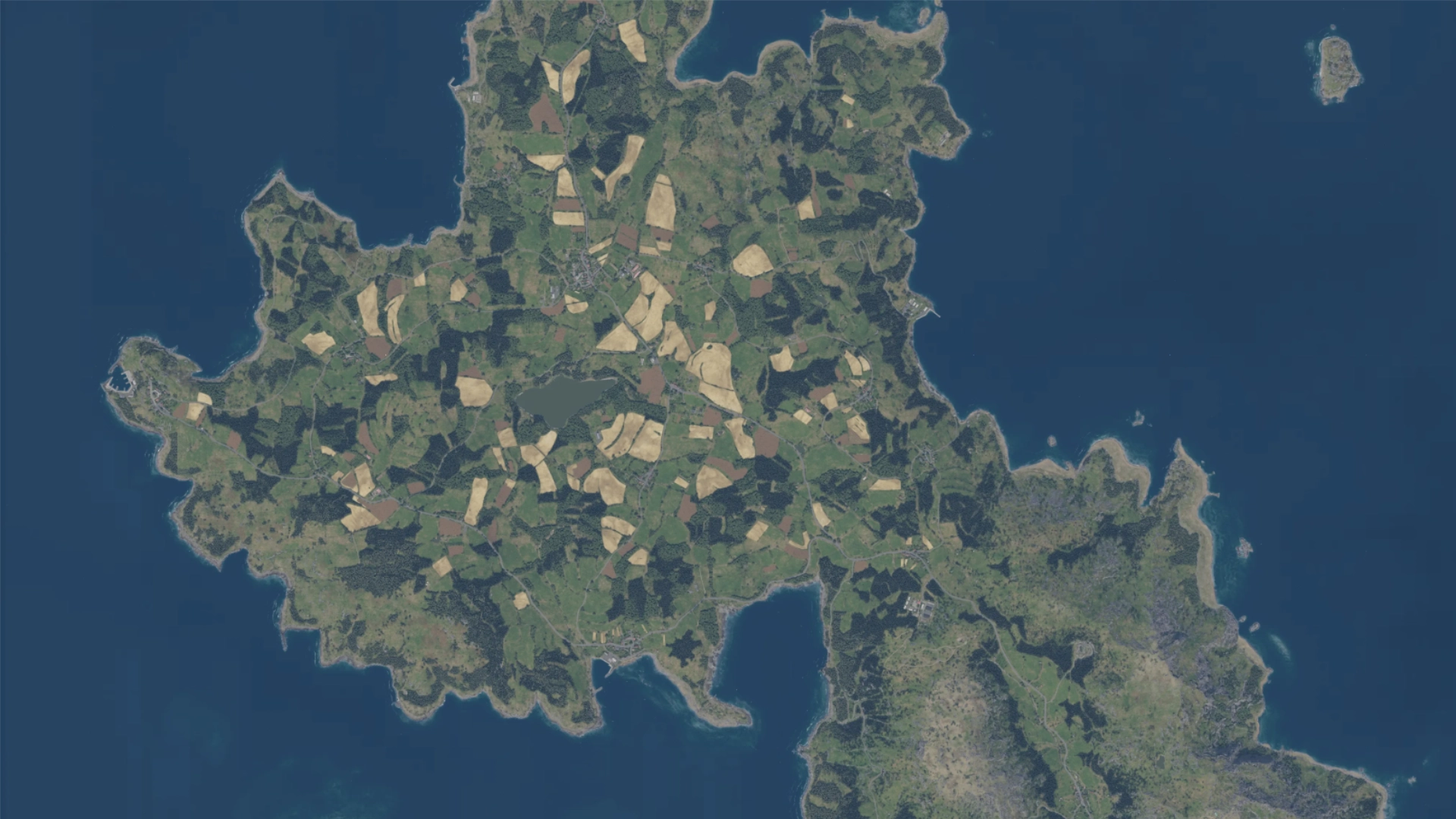
Interactive Terrain
Pan, zoom, and plan on high-fidelity Arma Reforger maps. Military grid overlay, coordinate display, and go-to-coordinates navigation built in.
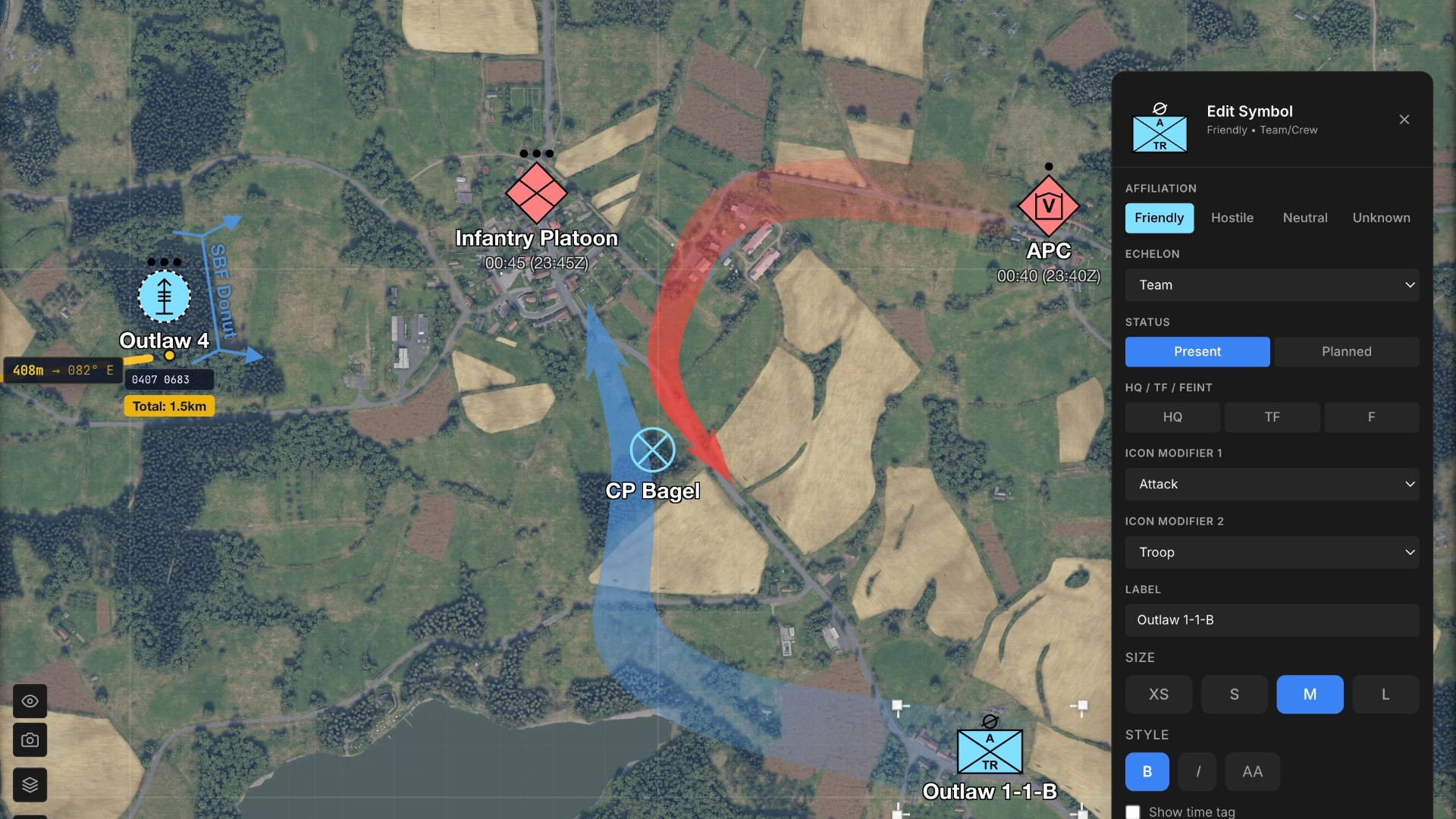
NATO Symbology
Full APP-6 military symbol library. Place units, assign affiliations, set echelons, and add modifiers. Includes tactical markers and Mission Verbs.
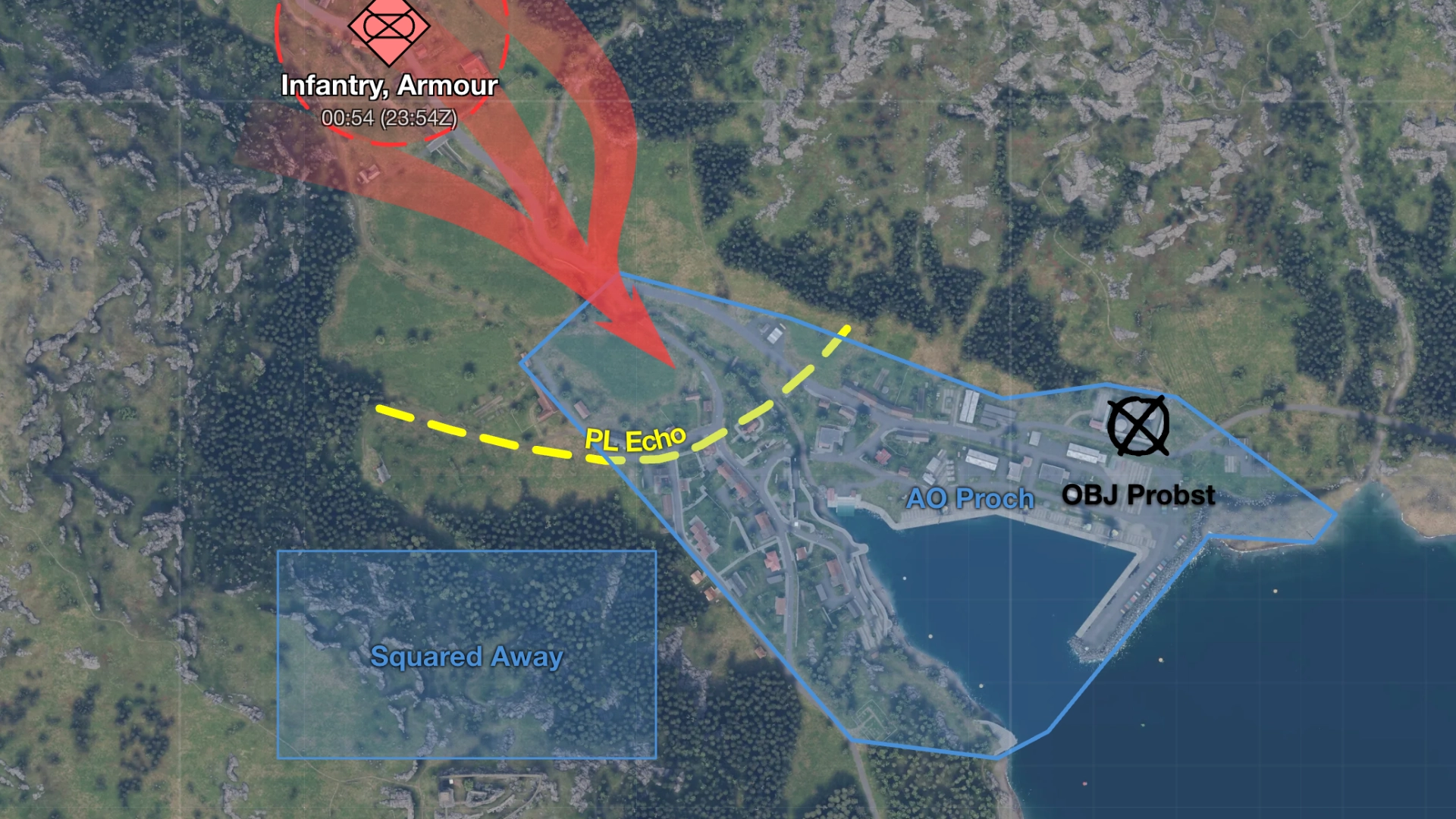
Drawing & Annotation
Maneuver arrows, polygons, circles, rectangles, text labels, and distance ruler. Plus terrain tools for forest areas, hills, and depressions. Full undo/redo.
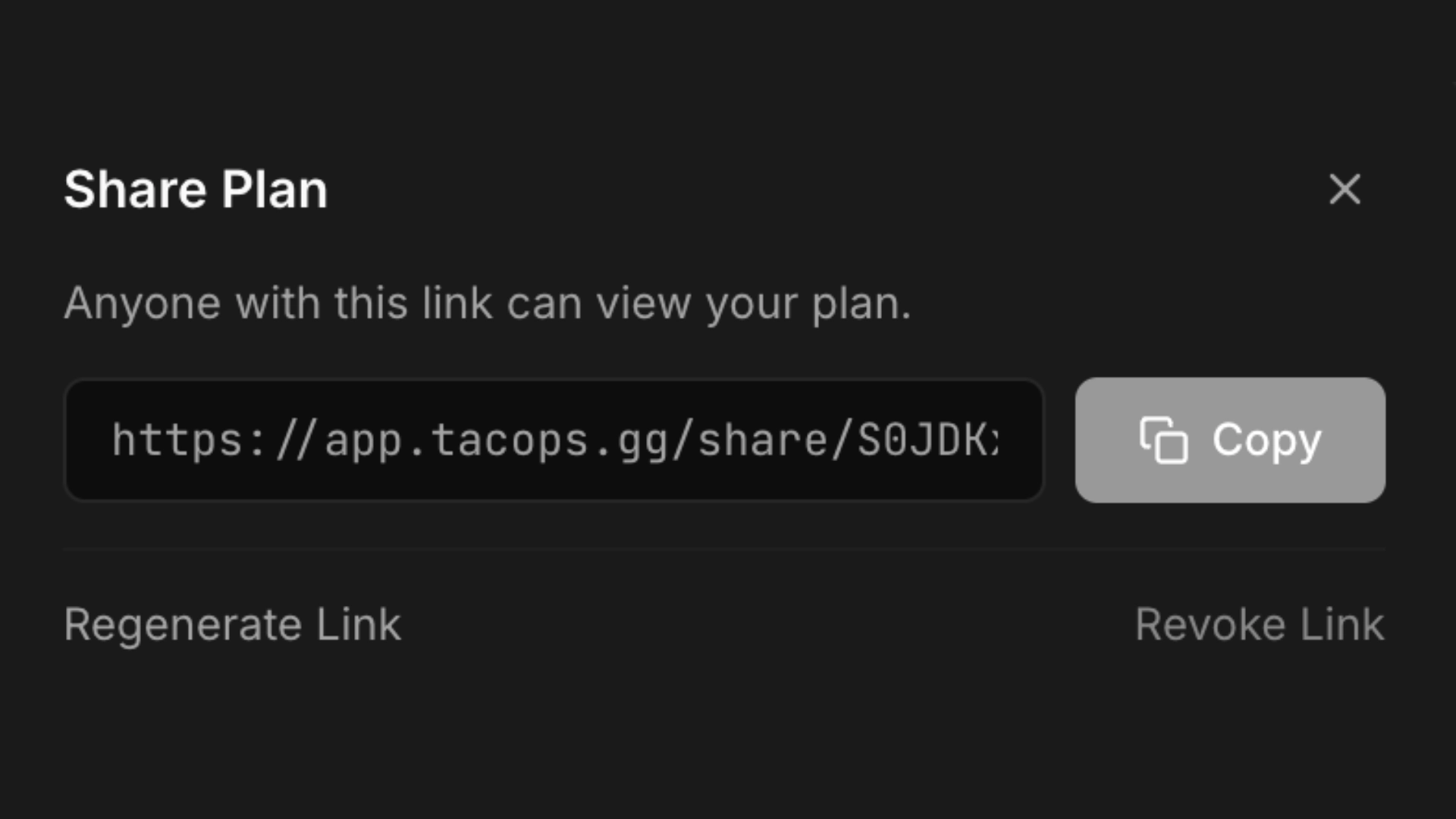
Share in Seconds
One link to share your entire plan. Viewers don't need an account, just open and brief.
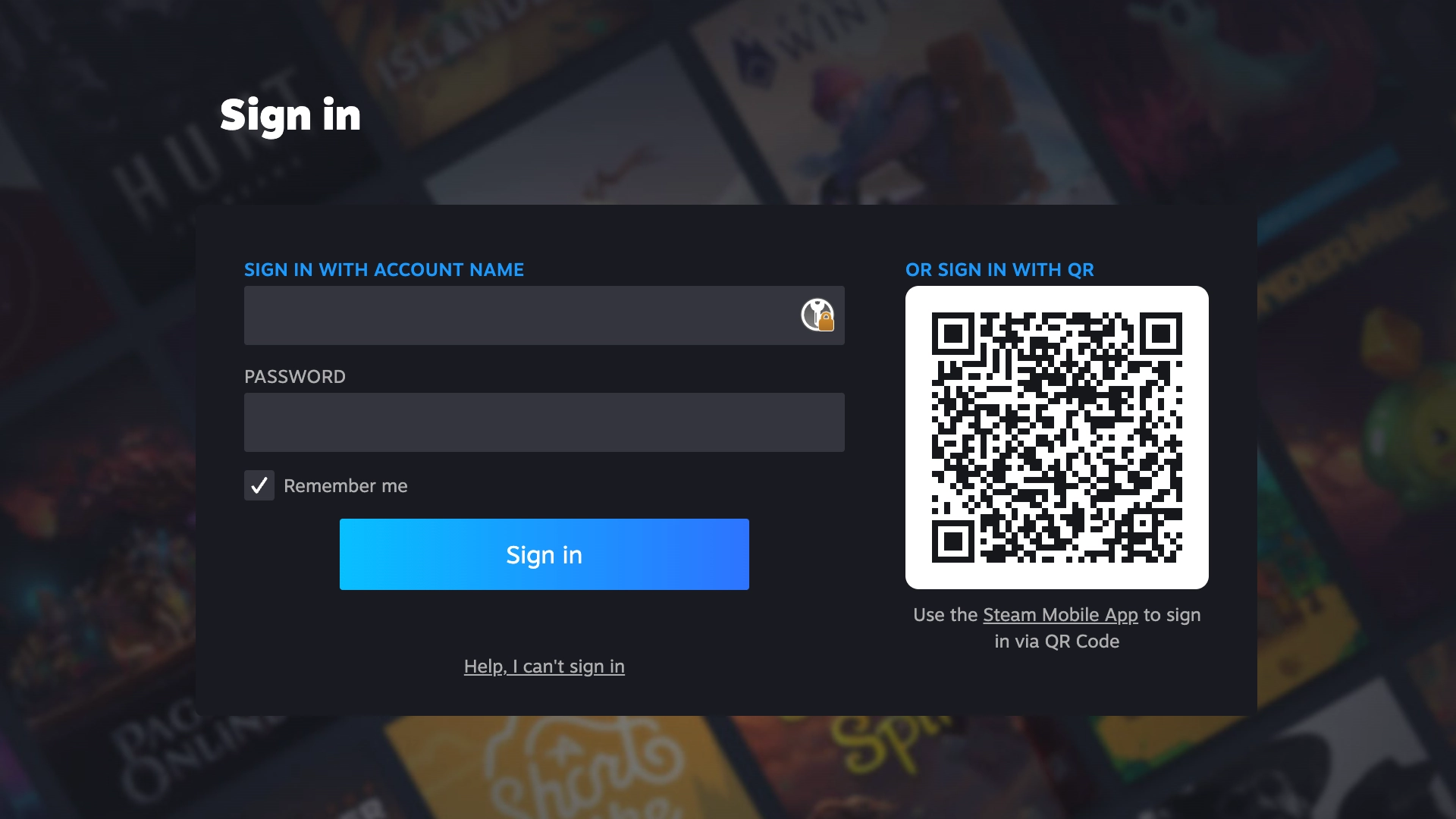
Steam OAuth
Sign in with your Steam account. Plans are saved to the cloud and accessible from any device.
Mission Notes
Commander's intent, phases, comms plan, logistics, and ROE, all attached to your plan.
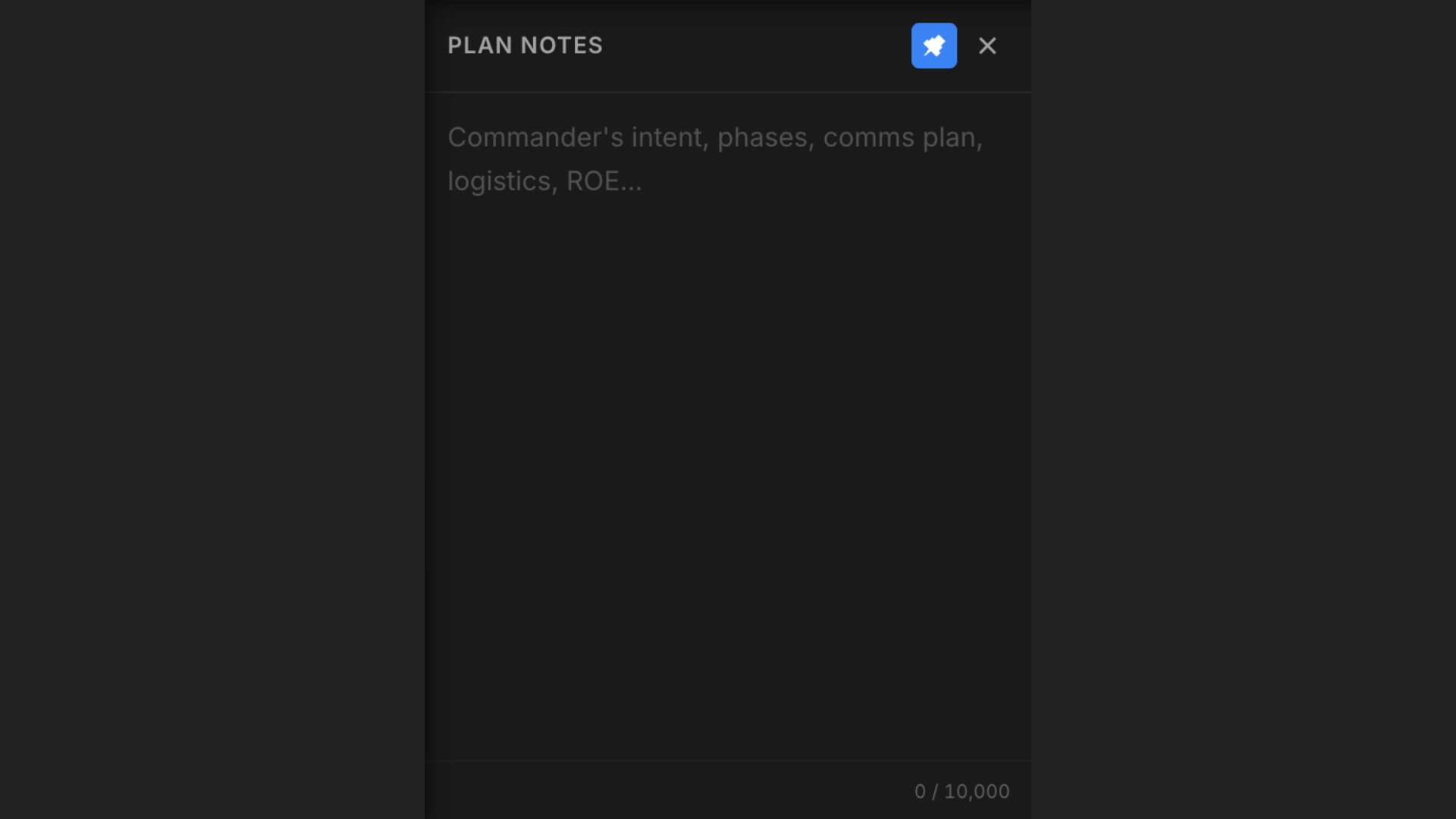
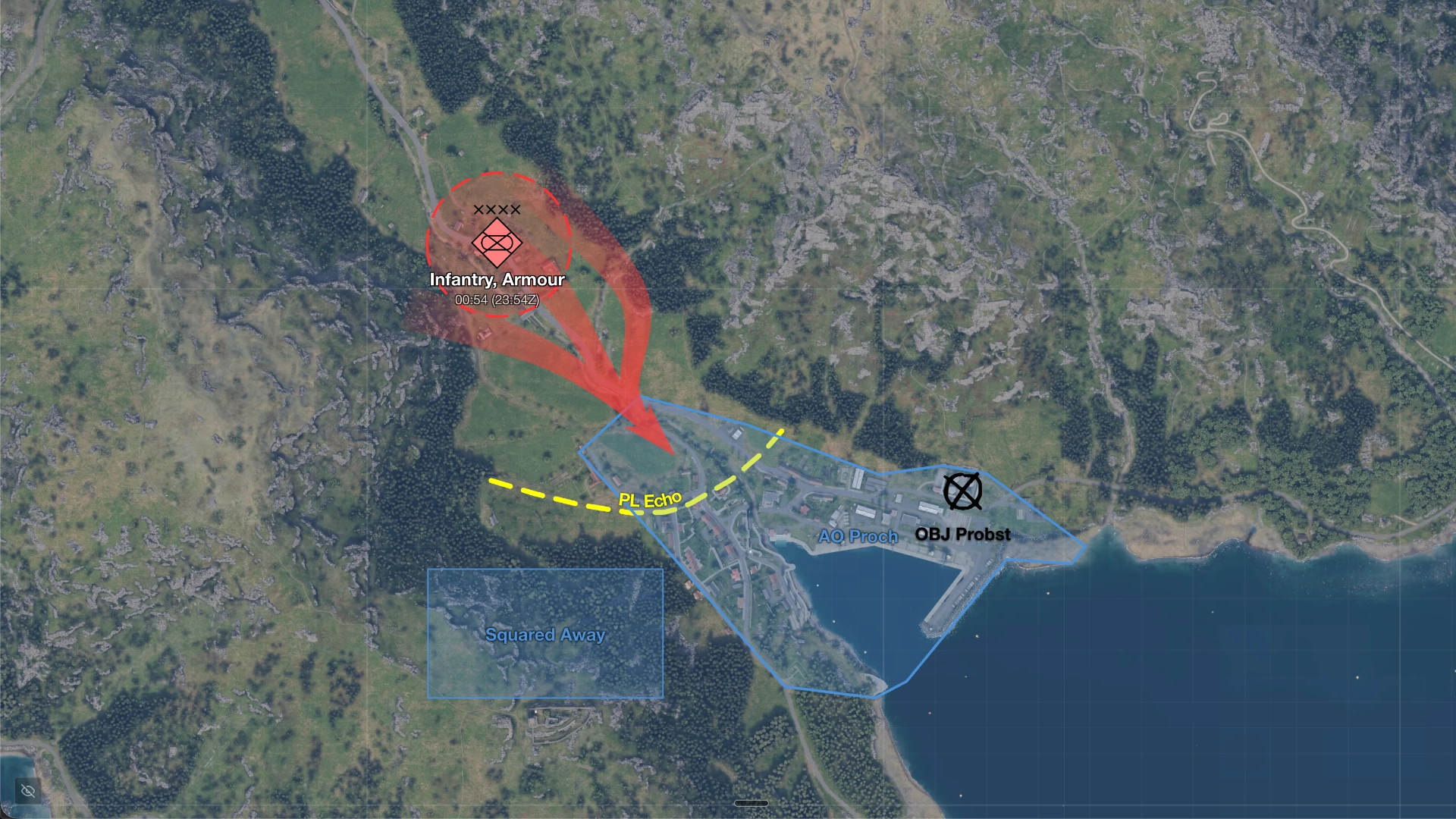
Image Export
Export your plan as a clean image. Share in Discord, add to briefing slides, or attach to after-action reports.
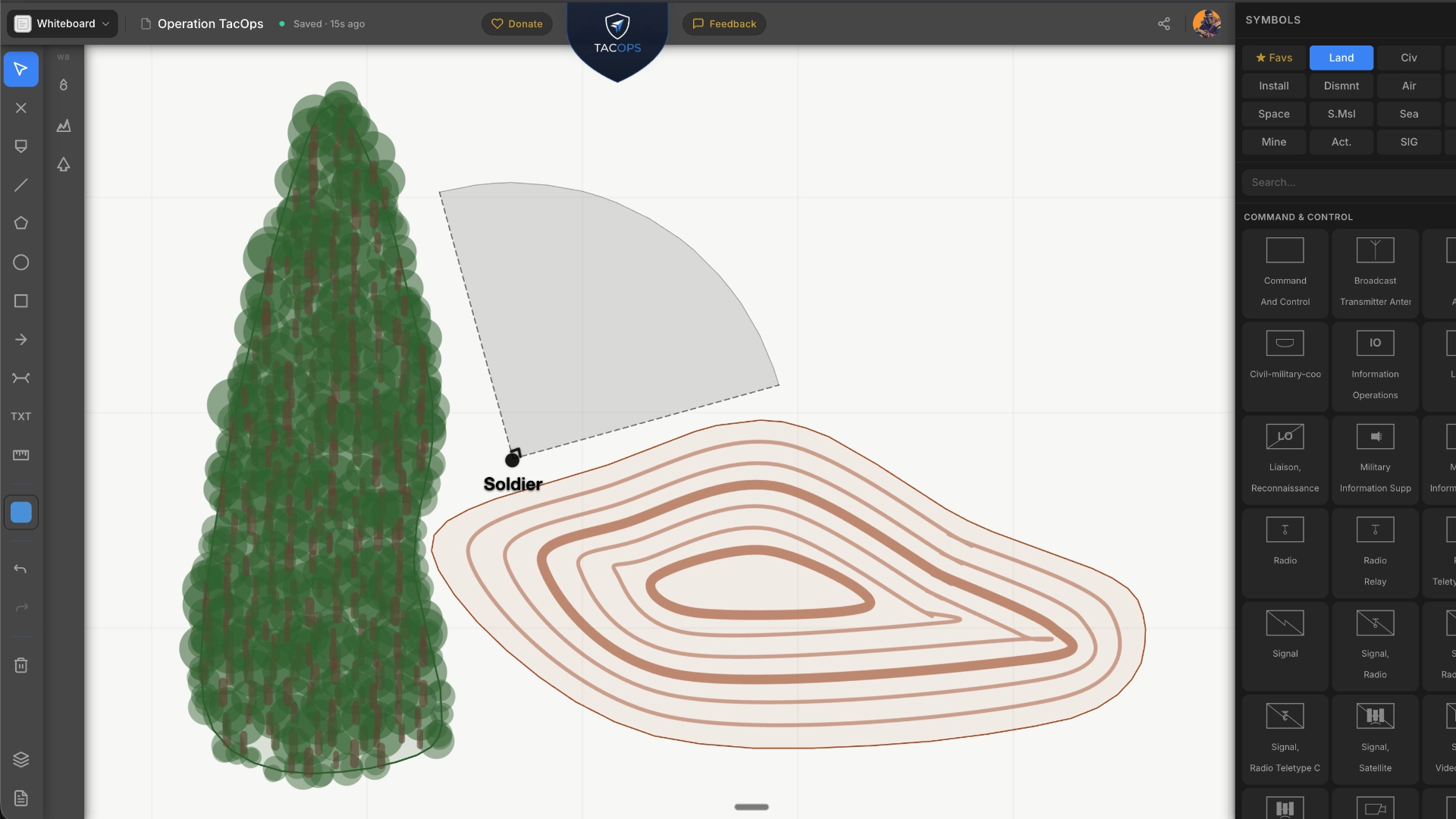
Whiteboard Mode
Blank canvas for freeform planning. Draw shapes, place symbols, add text labels, Perfect for School of Infantry, tactical training, and drills. Draw, annotate, and teach without a map background.
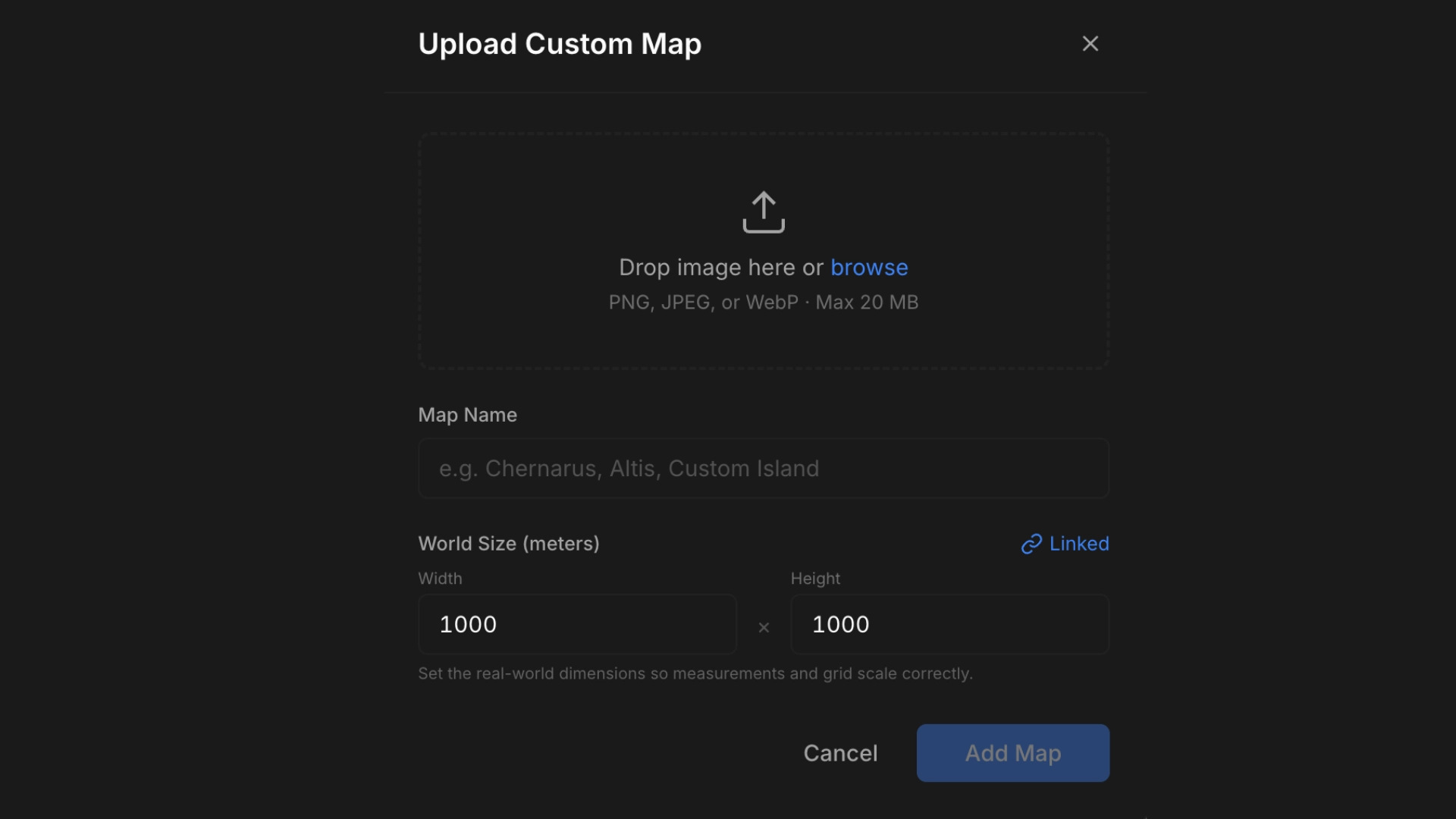
Custom Map Upload
Upload your own terrain imagery. Any map, any scenario. Full tile-based rendering with seamless zoom.
Briefing Mode
Present your plan in a clean, read-only view. Hide the toolbars, focus on the mission. Perfect for live briefings.
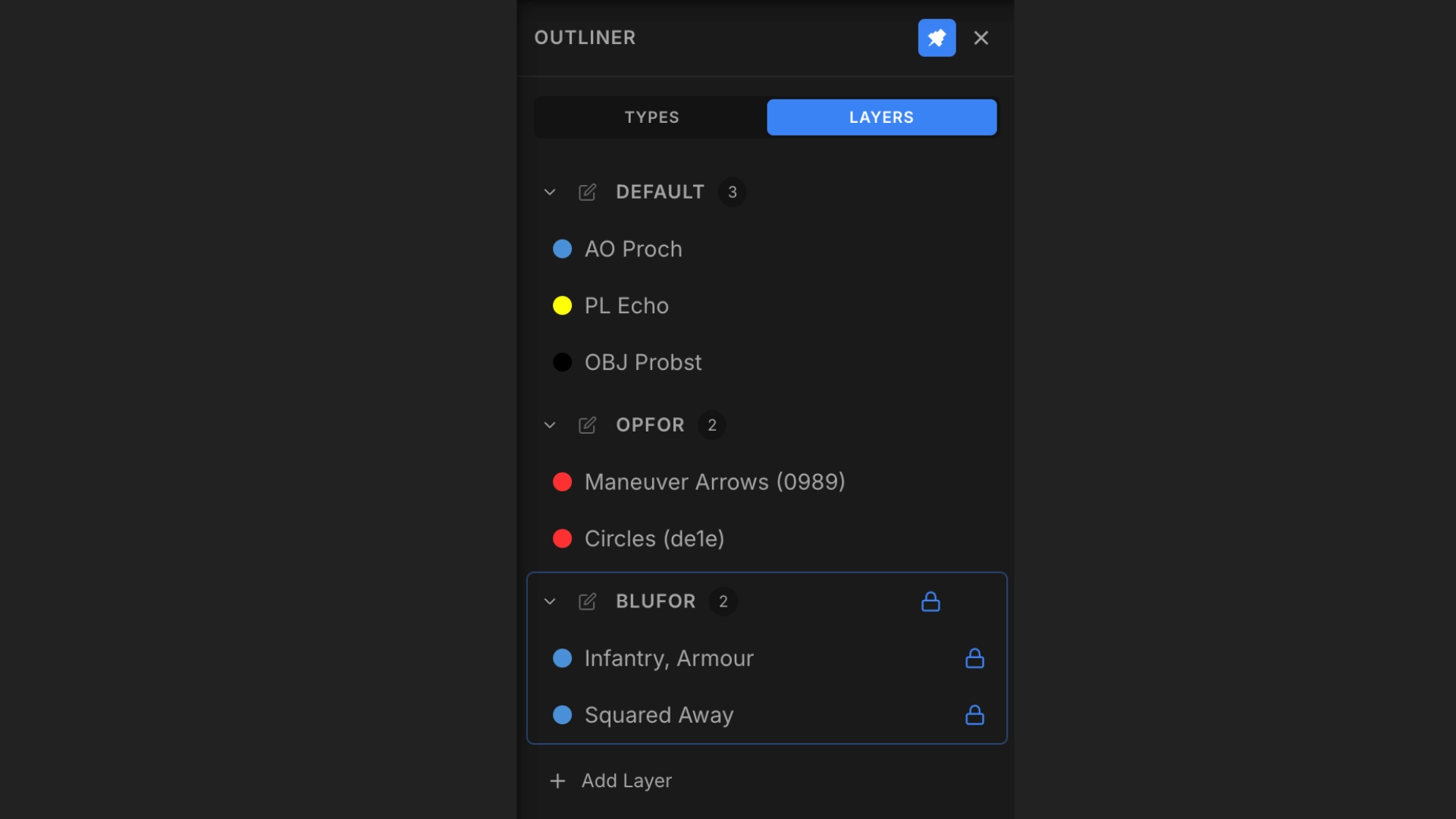
Layer Management
Organize drawings into layers. Lock, hide, rename, reorder, and group elements in the outliner panel.
Three Steps to Mission Ready
Pick a Map
Choose from several official Arma Reforger terrains, upload your own custom map, or start with a blank whiteboard.
Plan Your Op
Place symbols, draw overlays, write your commander's intent and notes.
Share One Link
Send a single URL. Your unit sees the plan instantly, no account needed.
Choose Your Experience
Sign in with Steam to unlock cloud features and custom maps.
Guest Mode
Free
Jump straight into planning without any setup.
- ✓ Full Map & Symbol Access
- ✓ All Drawing & Editorial Tools
- ✓ Export Your Plans
- ✓ No Account Required
- ✗ No Custom Map Upload
- ✗ No Cloud Sync
Steam OAuth
Free
Unlock cloud planning, custom maps, and management.
- ✓ Cloud Sync: Access plans anywhere
- ✓ Up to 50 Plans: Saved to the cloud
- ✓ Custom Maps: Upload your own terrain
- ✓ Share Links: Send your plan to anyone
- ✓ Favorite Symbols: Quick access to your go-to tactical symbols
See It in Action
The Operation Planner's Wet Dream.
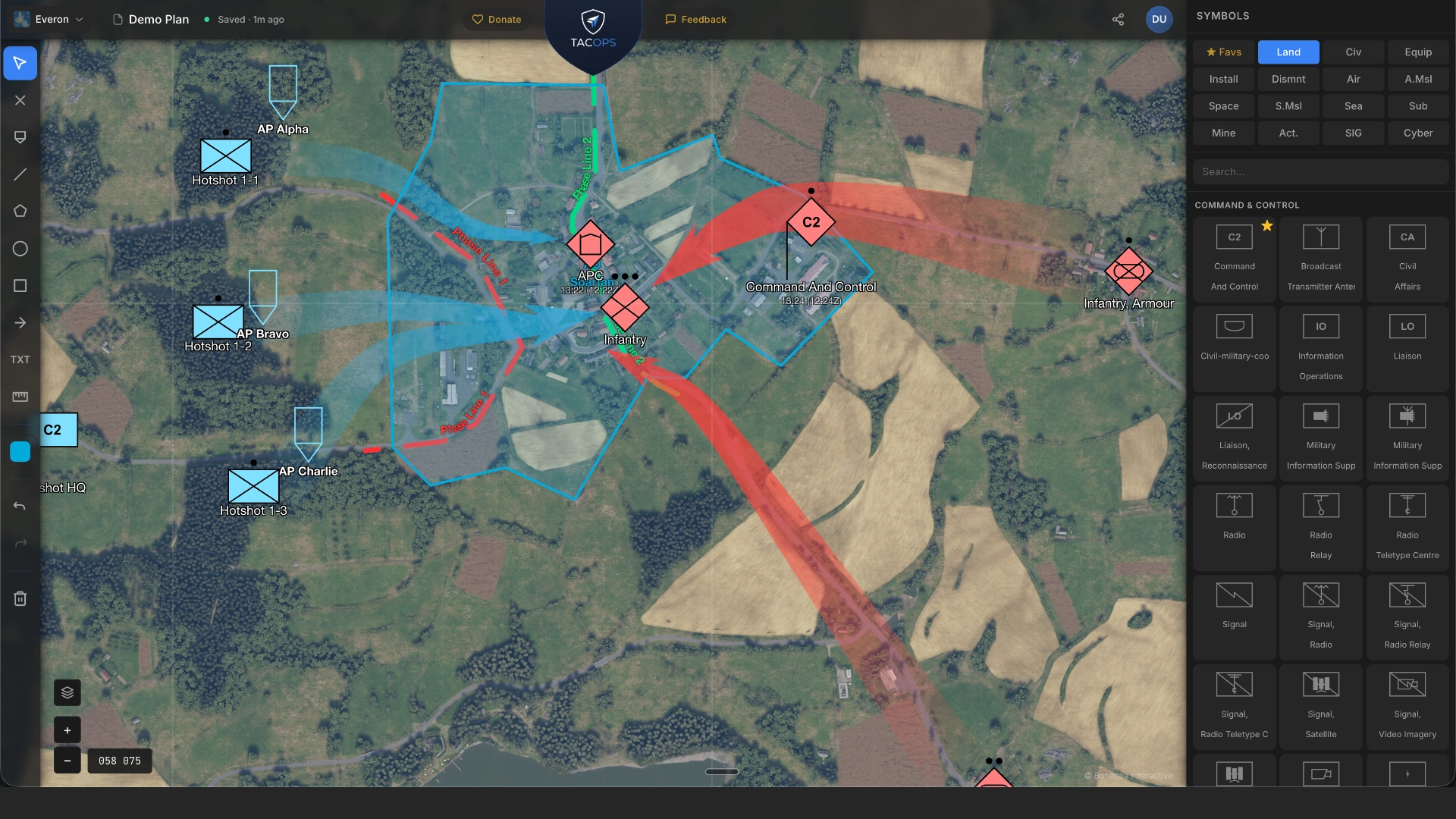 Full Editor View
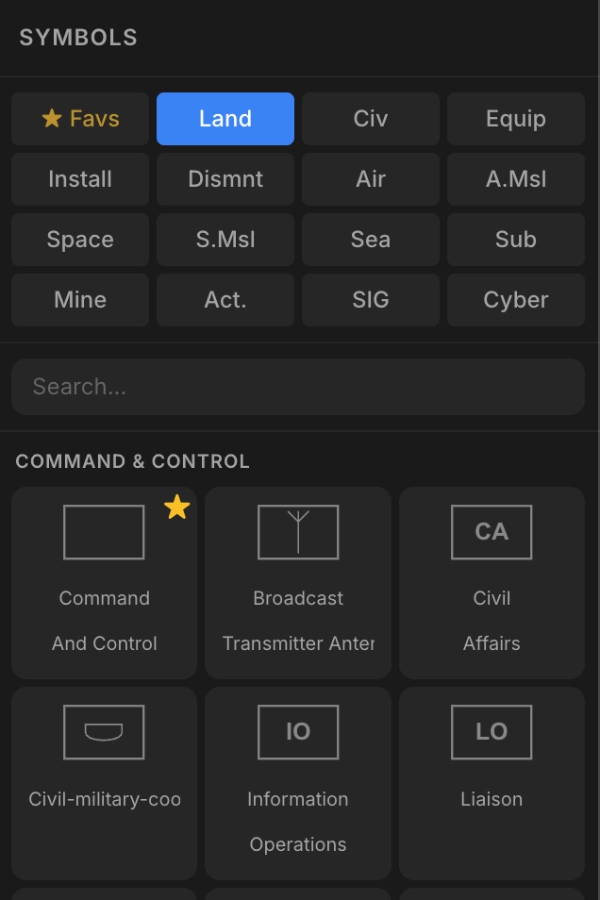 Symbol Library
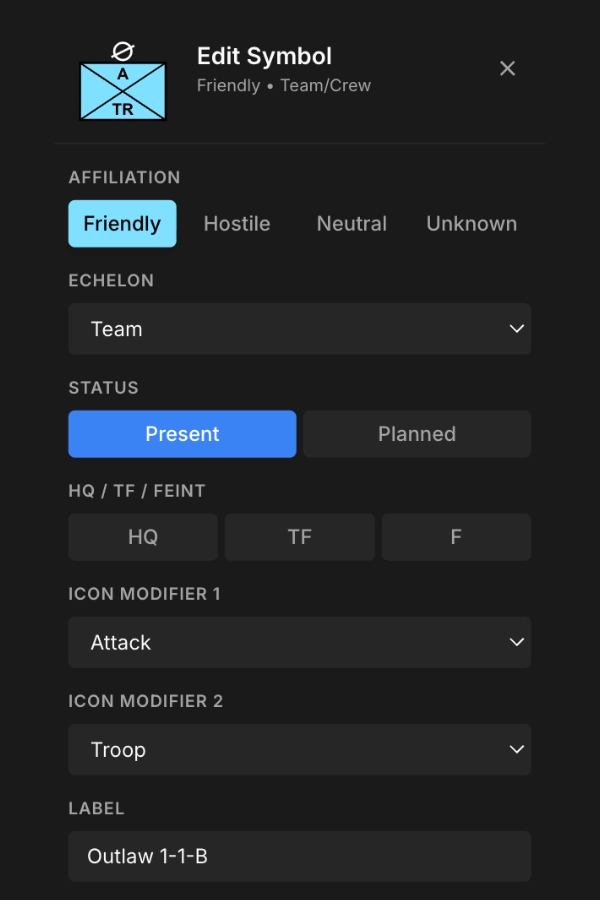 Symbol Editor
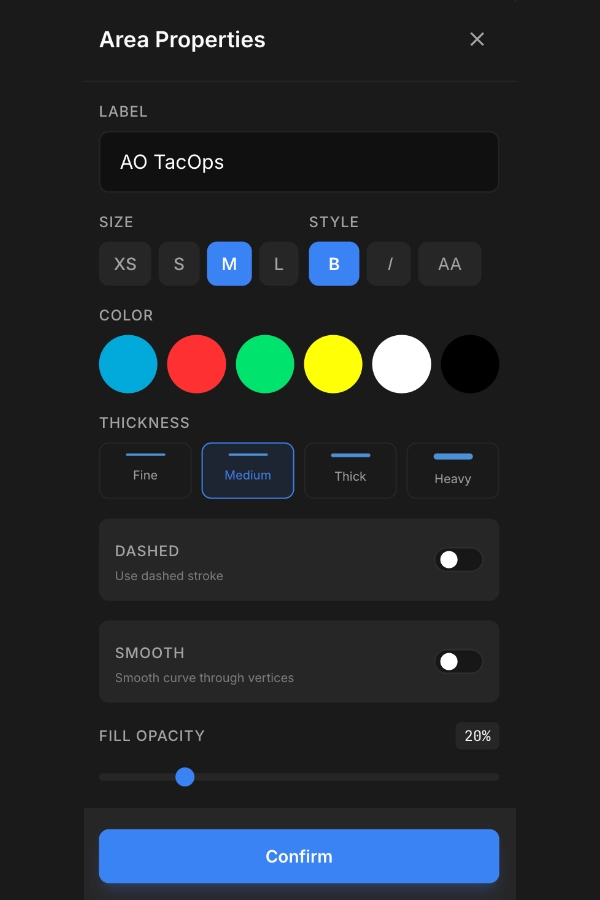 Drawing Properties
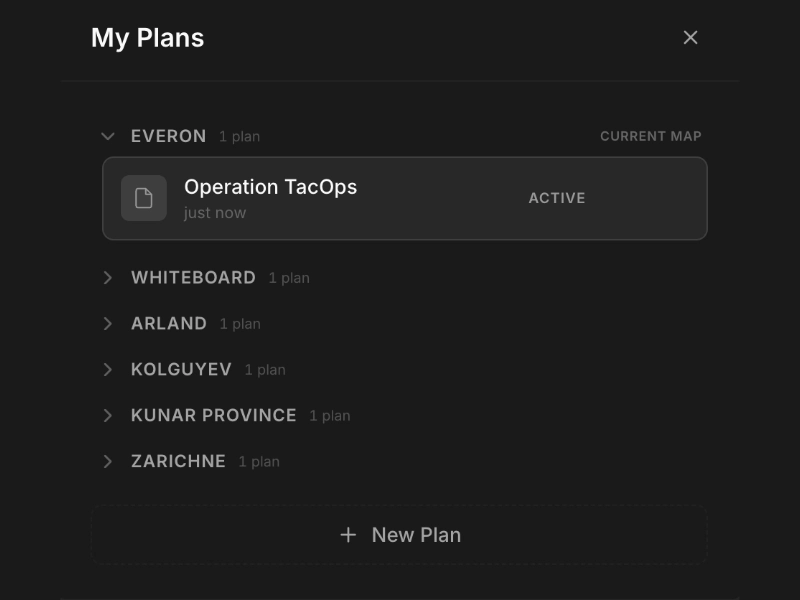 Plan Manager
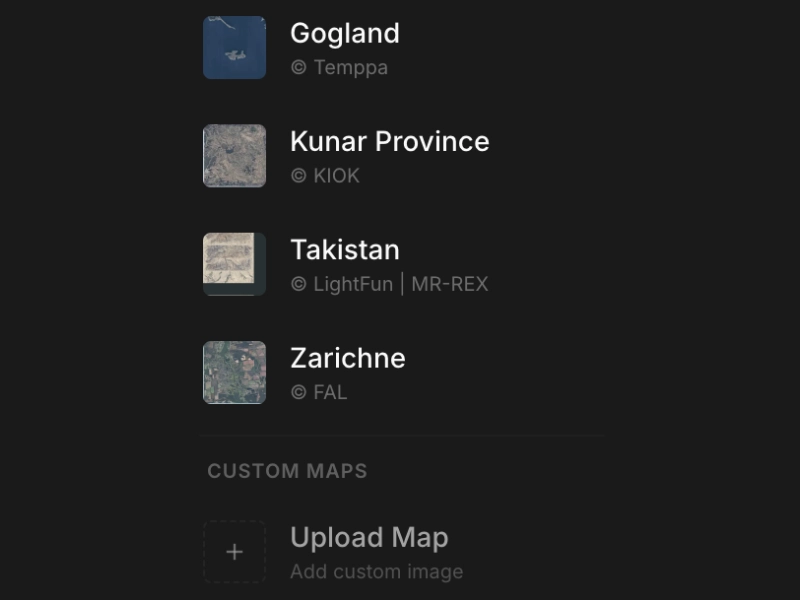 Map Selector
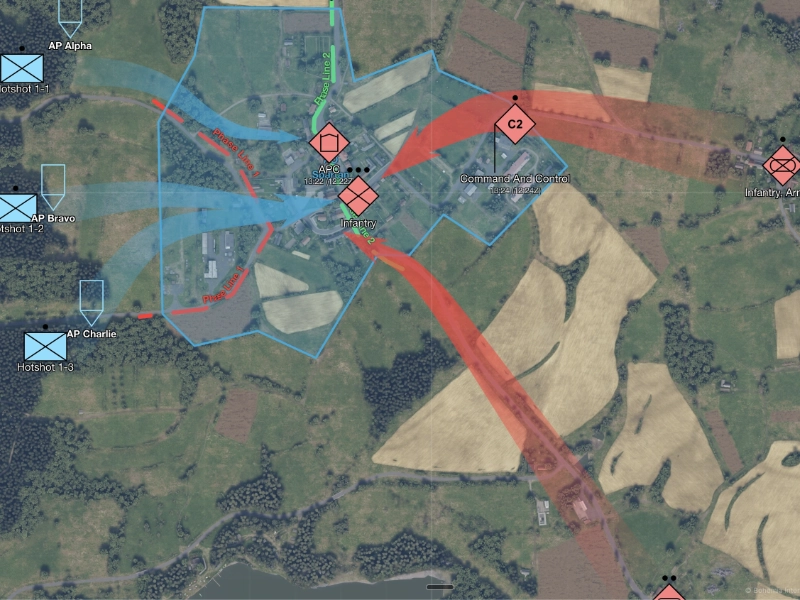 Briefing Mode
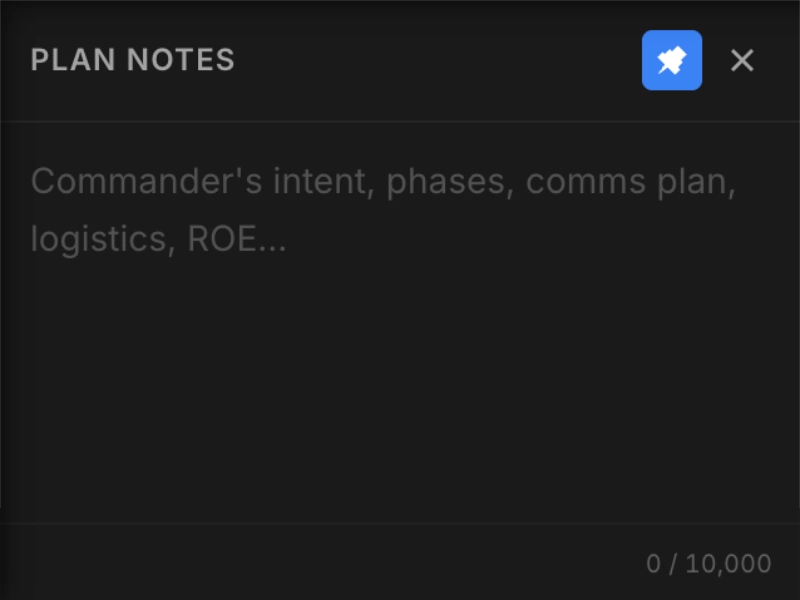 Mission Notes
Join the Community
Connect with MilSim planners, get help, and share your operations.
Ready to plan your next operation?
No signup wall. No install. Just open and start planning.
Open TacOps